selfstore-gate
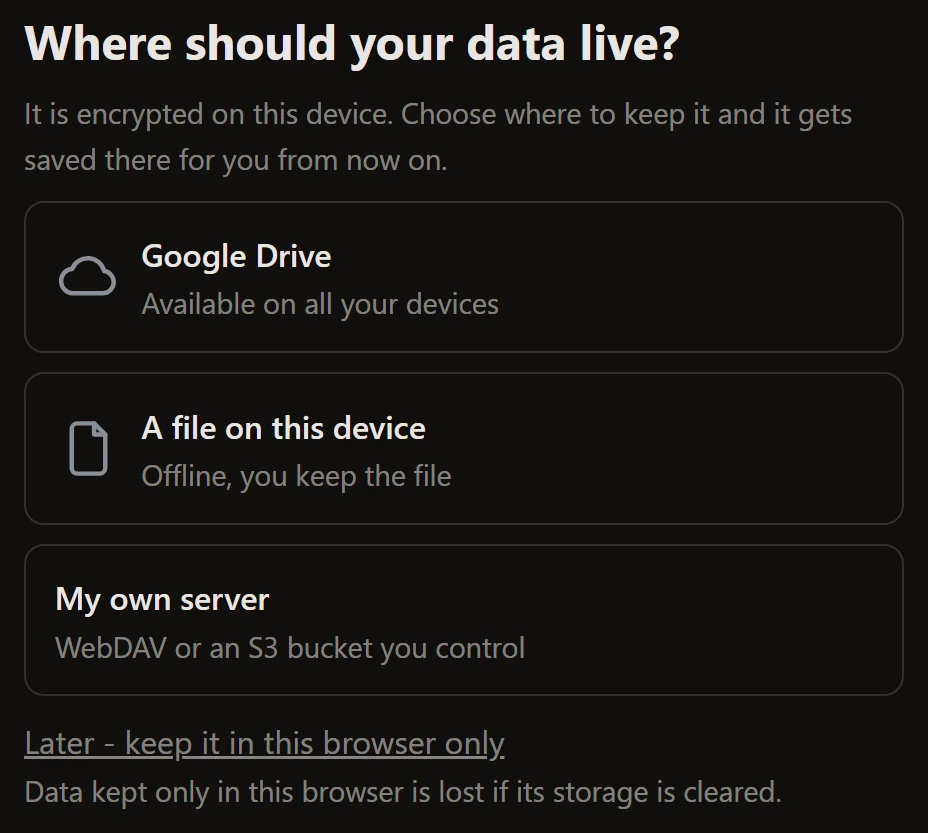
The first-run screen. It asks where the data should live, before the app has a durable home. Data that lives only in a browser profile dies with it, so the question is worth a screen of its own rather than a line buried in settings.
It is a frame around <selfstore-connect>, and it
decides one thing the plain connect widget cannot: whether to be on screen at
all.
<selfstore-gate id="gate"></selfstore-gate>
<script type="module">
  const el = document.getElementById('gate');
  el.targets = { file: true, webdav: true };
  el.store = store;
</script>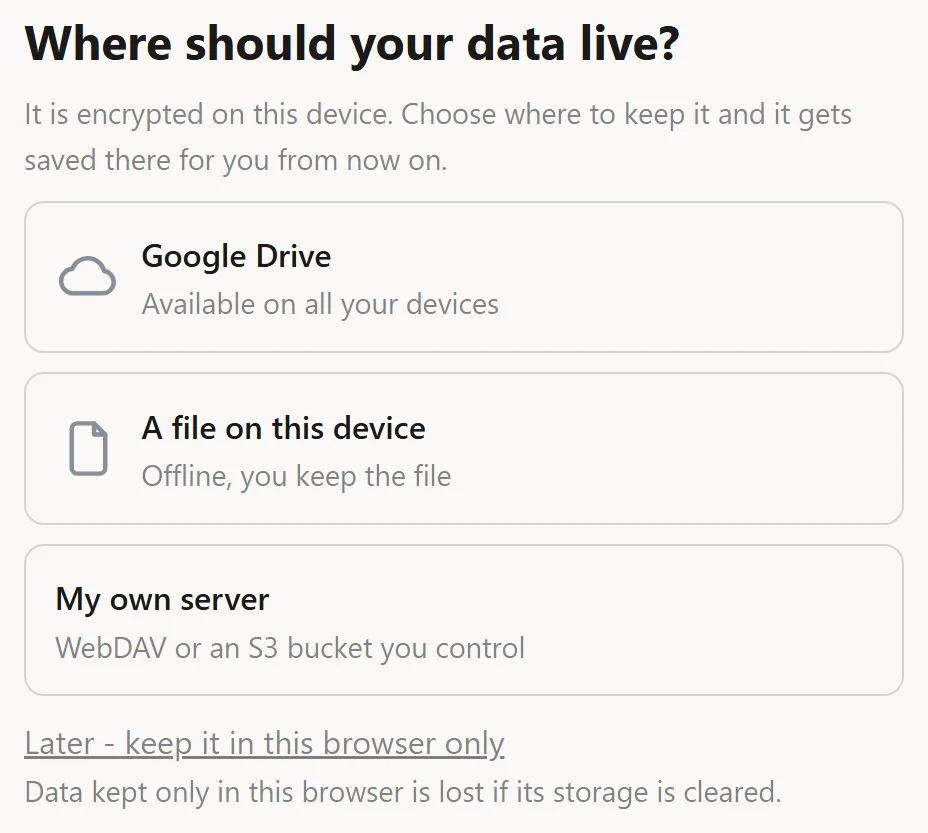
It opens itself
The condition is the engine’s own status.action === 'choose-destination'. That
covers both an ephemeral store and one still on the device-only cache, and it
ranks a destination needing attention above a missing one - so the gate
never demands a choice when the real problem is a broken connection.
You do not compute this. Asking the target kind by hand would miss the ranking and nag the user over a connection that just needs reconnecting.
Properties
| Property | Type | Default | Notes |
|---|---|---|---|
store |
StoreLike | null |
null |
The store, or a hand-built FlowHost. Assign last. |
targets |
ConnectTargets | null |
null |
Destinations to offer, exactly as connect takes them. Read when the gate opens. |
options |
ConnectFlowOptions |
{} |
defaultResolution, password, … Same timing as targets. |
icons |
Partial<Record<ConnectKind, string>> |
{} |
An image URL or data URI per destination. |
recommended |
ConnectKind | null |
null |
Badges one destination. Also an attribute. |
advanced |
ConnectKind[] |
[] |
Destinations tucked behind a discreet link. Also an attribute. |
webdavPresets |
WebdavPreset[] |
[] |
Named WebDAV providers in a quick-pick row. |
armed |
boolean |
true |
Whether the app has finished booting. Also an attribute. |
deferrable |
boolean |
true |
Whether to offer the way out. Also an attribute. |
deferred |
boolean |
false |
Set once the user chose device-only. Assign false to bring the gate back. |
open |
boolean (read-only) |
- | Whether the gate is currently on screen. |
connect |
SelfstoreConnectElement | null (read-only) |
null |
The connect element the gate built. Null while shut. |
armed, and the flash you want to avoid
Leave armed at true for a plain drop-in. An app that restores its
destination asynchronously should set it false until that settles, so a
connected user never glimpses the gate on the way in:
el.armed = false;
await restoreDestination();
el.armed = true;deferrable, and coming back
Device-only is a working mode, just a fragile one. deferrable decides whether
to offer it. When the user takes it, deferred goes true and the gate stays
shut for the session; assign deferred = false from a “choose a destination”
entry elsewhere in your app to bring it back.
Attributes
| Attribute | Values | Effect |
|---|---|---|
armed |
any string except false |
Sets armed. armed="false" holds the gate shut. |
deferrable |
any string except false |
Sets deferrable. deferrable="false" removes the escape. |
Only these two are observed. Everything else is a property.
In a framework that assigns properties - Svelte, Vue, React 19 - write
deferrable={false}, not deferrable="false": the property setter stores what
it is given, and a non-empty string is truthy. See the boolean
trap.
Slots
Your own chrome goes in the light DOM. Slotted nodes are never rebuilt, so a component you slot in keeps its state across the gate’s re-renders.
| Slot | Where it lands |
|---|---|
brand |
Above the title |
extra |
Under the destinations - a link to a demo, fine print |
footer |
The app’s usual foot |
<selfstore-gate>
  <div slot="brand"><img src="/logo.svg" alt="Acme" /></div>
  <div slot="extra"><a href="/demo">Try the demo first</a></div>
  <div slot="footer"><small>Acme, 2026</small></div>
</selfstore-gate>
Events
| Event | Detail | When |
|---|---|---|
selfstore-gate-deferred |
none | The user chose to stay device-only |
The connect journey inside the gate emits its own events -
selfstore-connected, selfstore-error, selfstore-cancelled - and they
bubble through, so listen for those to know the destination was chosen.
Parts
| Part | Node |
|---|---|
gate |
The full-screen layer |
gate-card |
The centred card |
gate-title |
The question |
gate-foot |
The foot of the card |
gate-defer |
The “later” text button |
gate-defer-note |
The warning under it (also carries hint) |
The connect element inside lives in the gate’s shadow root and its parts are
not re-exported, so selfstore-gate::part(card) does not reach the
destination cards. Custom properties do cross - see
styling.
Custom properties
Beyond the shared set, the gate adds:
| Property | Default |
|---|---|
--selfstore-gate-width |
30rem |
--selfstore-gate-title-size |
1.5rem |
--selfstore-gate-backdrop |
Canvas |
--selfstore-gate-z |
280 |
Labels
Every string is a key with a default, and the widget ships English and French. The 5 keys it owns are listed on every label key; how the resolution works is on wording.